You are welcome to ENCI show portal,
before starting read how to proceed...
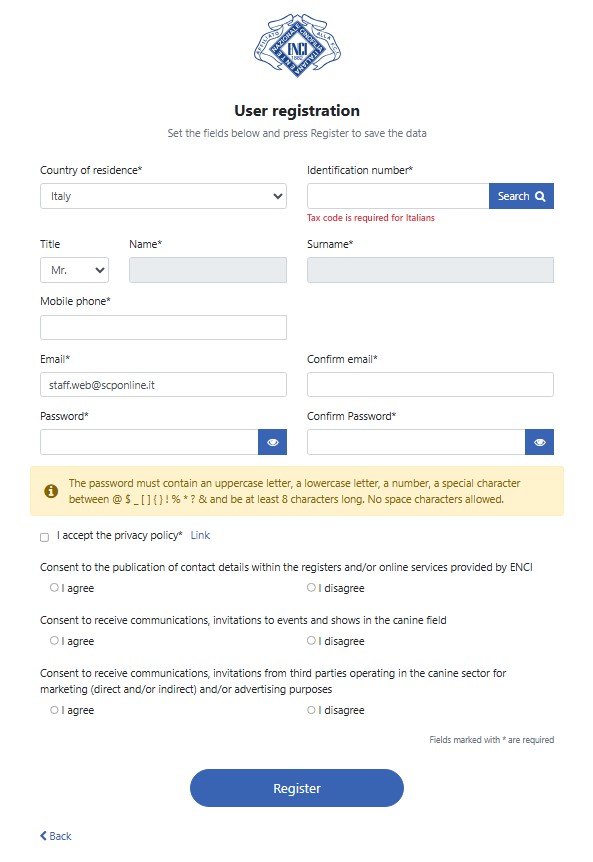
Account registration to the portal
This is the first step you will need to complete in order to use the services provided by ENCI for entering dogs into Italian conformation shows.
The registration will automatically check whether you are also an Italian Handler listed in the ENCI register published on the portal http://www.enci.it/addestratori-e-handler/registro-handlers. If so, you will be able to enter dogs already listed in the portal, even if they are owned by others.
Please note that all owners must have a profile in which to register their own dogs. A user who is also an Italian handler may “link” dogs belonging to other owners by following the appropriate procedure.
Registration on the portal, with the creation of your personal profile, will be completed once you confirm your subscription by responding to the email sent to you.
Once you have logged in, you may begin to enter your dogs as an owner, or “link” dogs as an Italian handler that each owner has previously registered.
Enter your dogs
Italian owners
For Italian dogs, the owner must be the same that appear in the ENCI studbook.
For foreign dogs the check will be made with the Kennel Club of the owner's country. It is responsibility of the owner to manage its dogs in the portal.
If the dog is sold after the registration in a show, the former owner must disable the dog in its profile, so the new owner can add it in its profile.
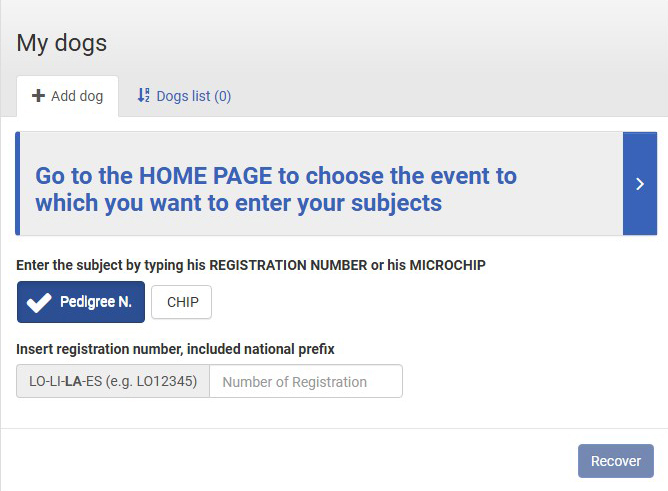
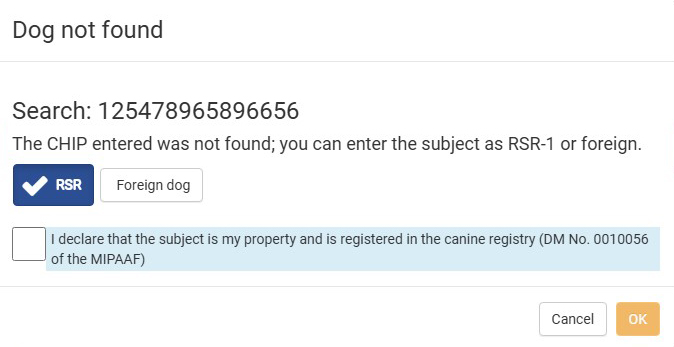
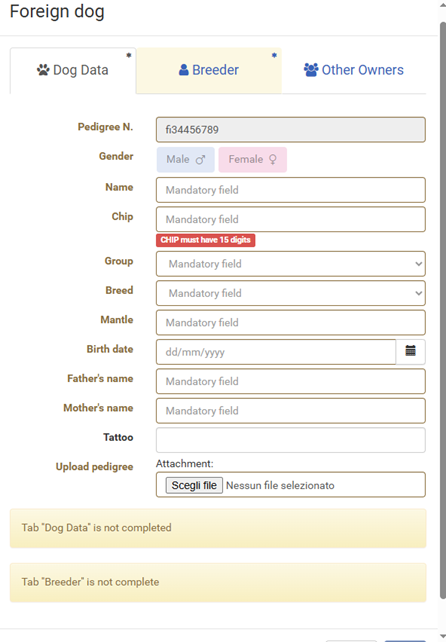
The Italian owner can enter its dogs registered in the Italian studbook through n.LOI, or microchip, tab CHIP. You can also enter a dog, with the microchip and enroll in a show for recognition, tab-RSR 1generation. In the latter case, after the recognition, this dog will be included in the portal with its new registration number n.LOI. An Italian owner can register a foreign dog with the export pedigree number, FOREIGN tab.
The foreign owner can enter its dogs writing the correct number of the studbook in which the dog is registered, tab FOREIGN DOG. In this case the owner guarantees for the inserted data. The foreign owner who holds a dog enrolled in the Italian studbook may enter the subject using the tab N.REG or CHIP.
Foreign owners
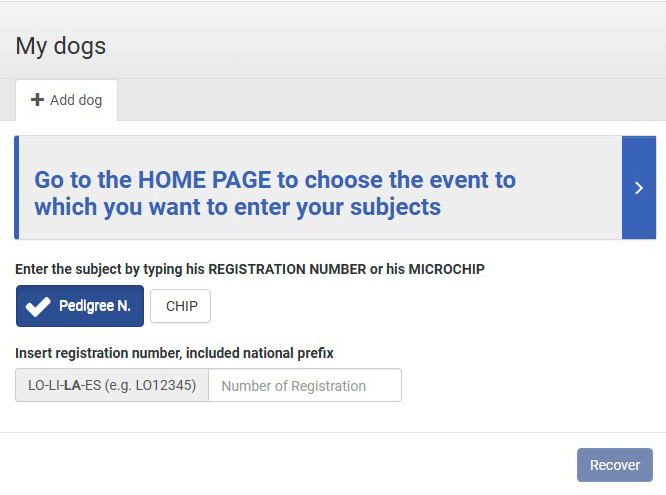
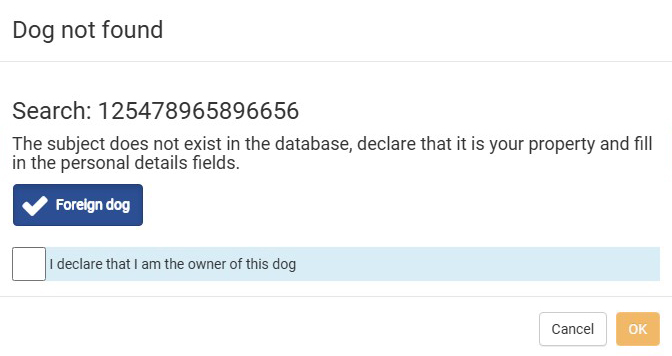
A foreign owner may enter a dog they own by indicating the correct Stud Book code in which the dog is registered. The system will automatically assign foreign dogs the status of FOREIGN DOG. In this case, the owner is responsible for the accuracy of the data entered. A foreign owner who holds a dog registered in the Italian Stud Book may register the dog using the N.REG or CHIP tabs.
For dogs owned by foreigners, no automatic checks will be performed, but verification may be conducted with the Kennel Club of the owner’s country.
In general, owners are required to carefully manage their dogs in the portal. For example, if a dog is transferred to a new owner, the previous owner must remove the dog from their profile using the designated action, so that the new owner can enter it under their own profile. In this case, the previous owner will still have access to the dog’s show history under their name.
Entry to the show
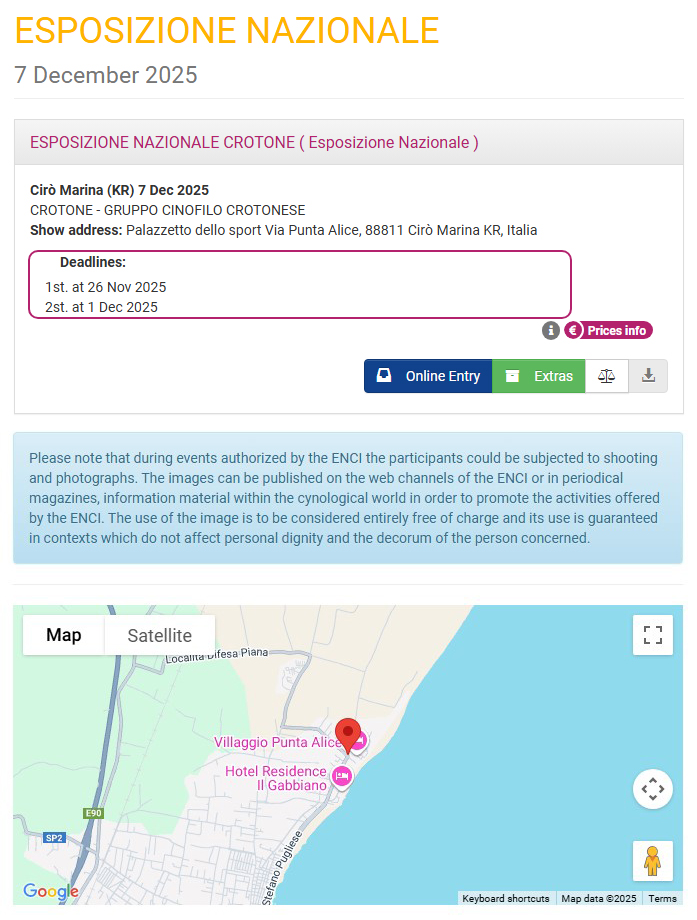
This is the final step, which allows you to register dogs for Italian shows.
For Italian dogs, an additional automatic check will be performed in the ENCI database during this step to validate the data. For example, if the owner’s name no longer matches, registration will not be possible. It is also at this stage that the dog’s titles are updated.
A fundamental note: all dogs must be entered into the portal by their owner (step two), while registration for shows (step three) can be carried out depending on the user profile (an additional option for Italian handlers to register dogs belonging to others).
Discounts, either as an ENCI MEMBER or for registration of more than four (4) dogs, are calculated at the level of the individual owner. ***
Users are nevertheless advised to check the price lists of each show, as these may vary from time to time.
Once registration is completed, an email with a copy of the registration and payment confirmation will be sent to the email address provided in the user’s profile.
In the case of registrations carried out by a handler for dogs owned by others, an email will also be sent to the owners to inform them that the handler has registered their dogs.
When the catalog closes, an email will be sent with the entry numbers.
All documents, from the registration receipt to the catalog number assignment, are always available in the user’s profile.
*** Not valid for the entire WDS2026 event where instead a discounted rate will be applied from the 2nd dog if registered simultaneously and only for the Youth, Intermediate, Open and Working and Champion classes.
Breeding group registration
vaild only for WDS2026
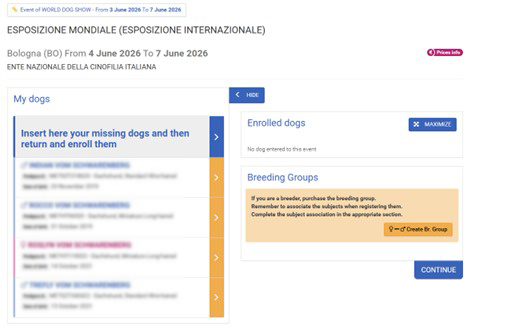
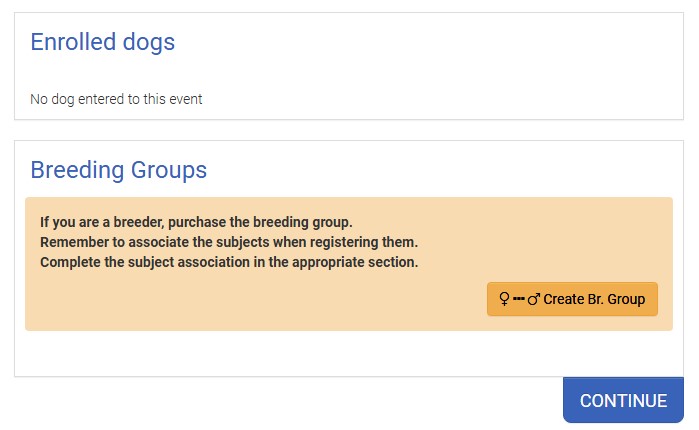
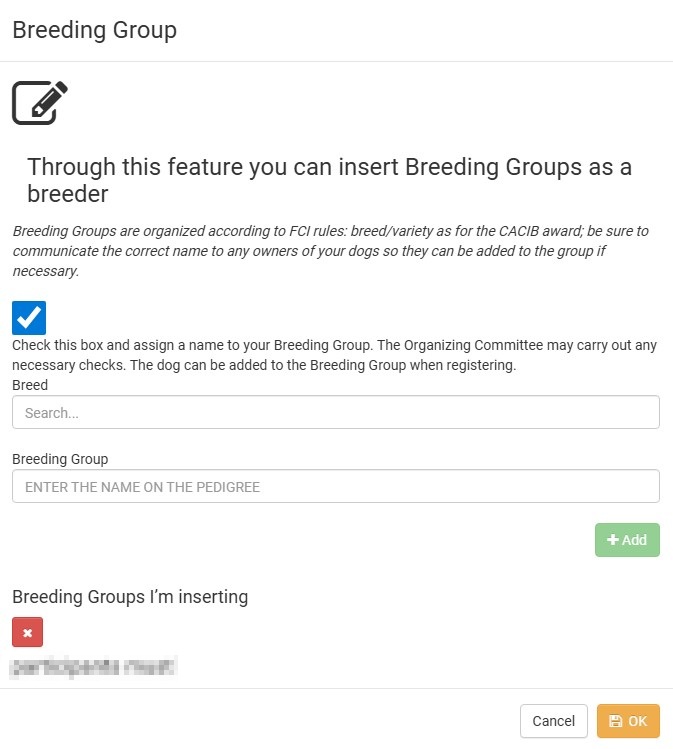
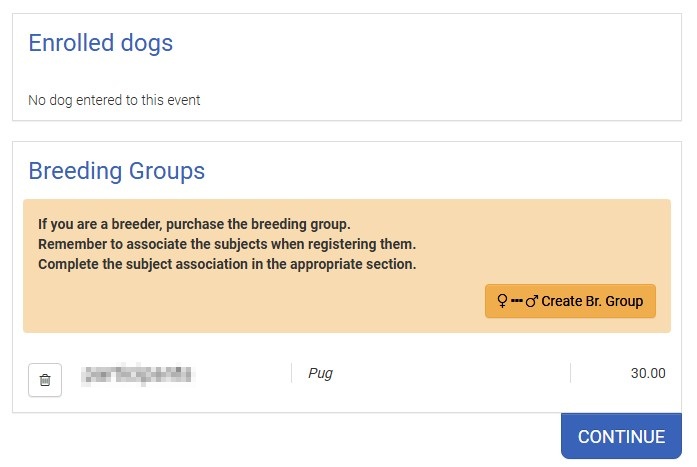
The creation and registration of the Breeding Group has been digitized, currently only for the WDS2026 event.
- During registration, the breeder can create their own Breeding Group by clicking on the designated box.
- They must then select the breed for which they want to create the Breeding Group (GDA).
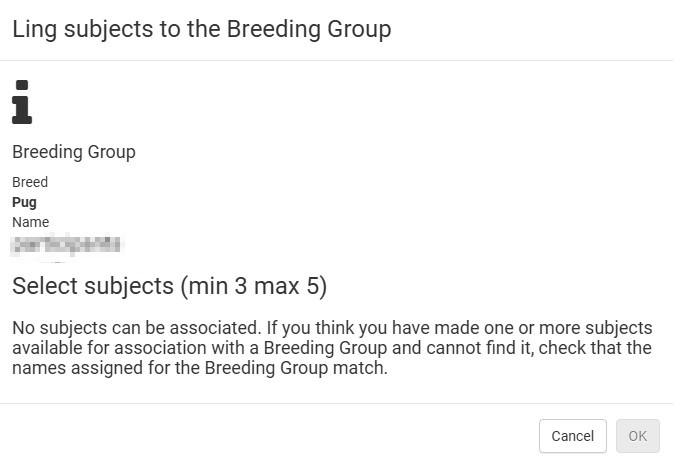
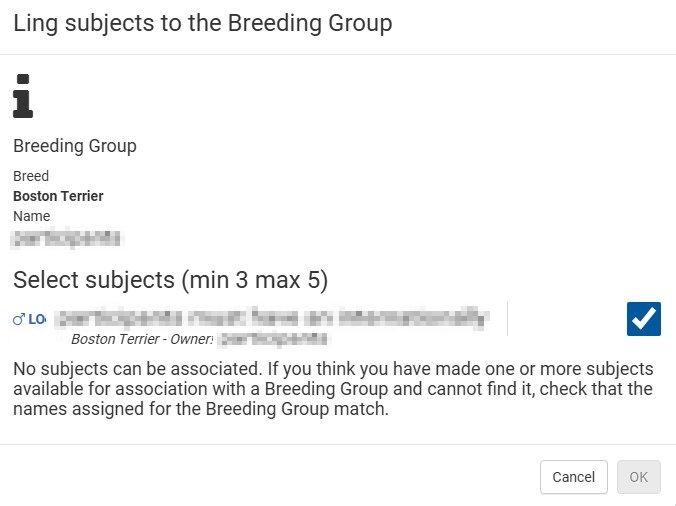
- At this point, the program will display the names of the breeders listed in the database of dogs entered in their profile. The breeder must select the correct names of their own dogs, bred by them.
a. It is recommended to notify the owners of their dogs who wish to join the GDA of the assigned name, even though, when recalling the relevant dogs, the program will already present the correct breeder’s name to allow automatic matching. - The creation of the GDA can also be done after registering individual dogs.
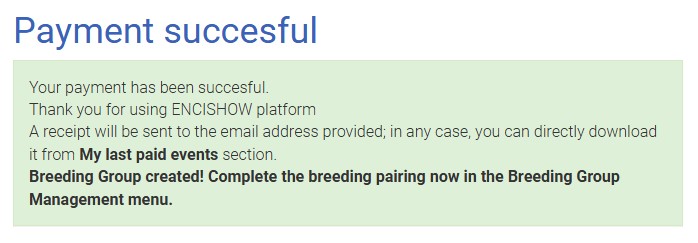
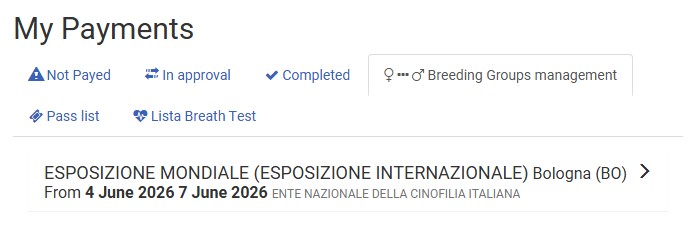
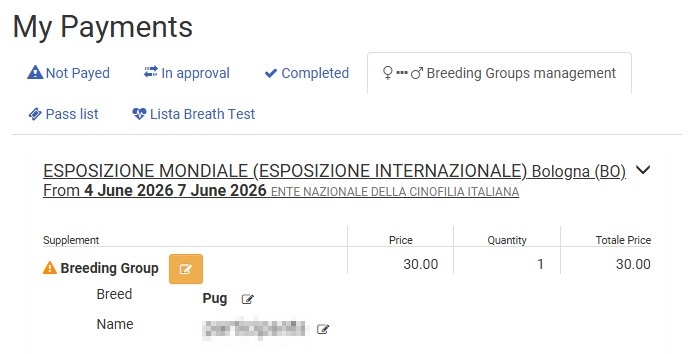
- At the end of the registration steps, the breeder must define the matching of the various dogs, from a minimum of three to a maximum of five, using the designated function in the MY PAYMENTS menu.
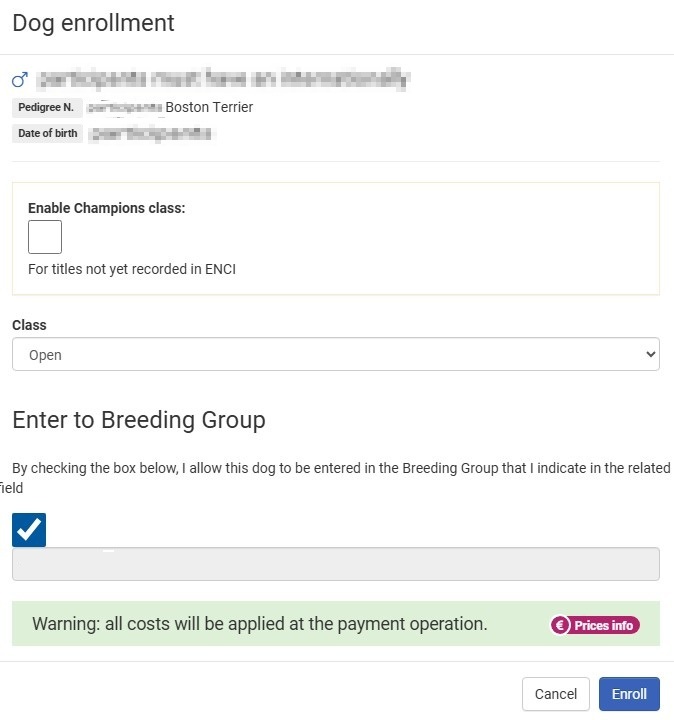
- The owner of dogs who, in agreement with the breeder, are to be included in the GDA must tick the appropriate field during registration to link the dog to the GDA.
a. This function is also available after registration has been completed.
Purchase of extras
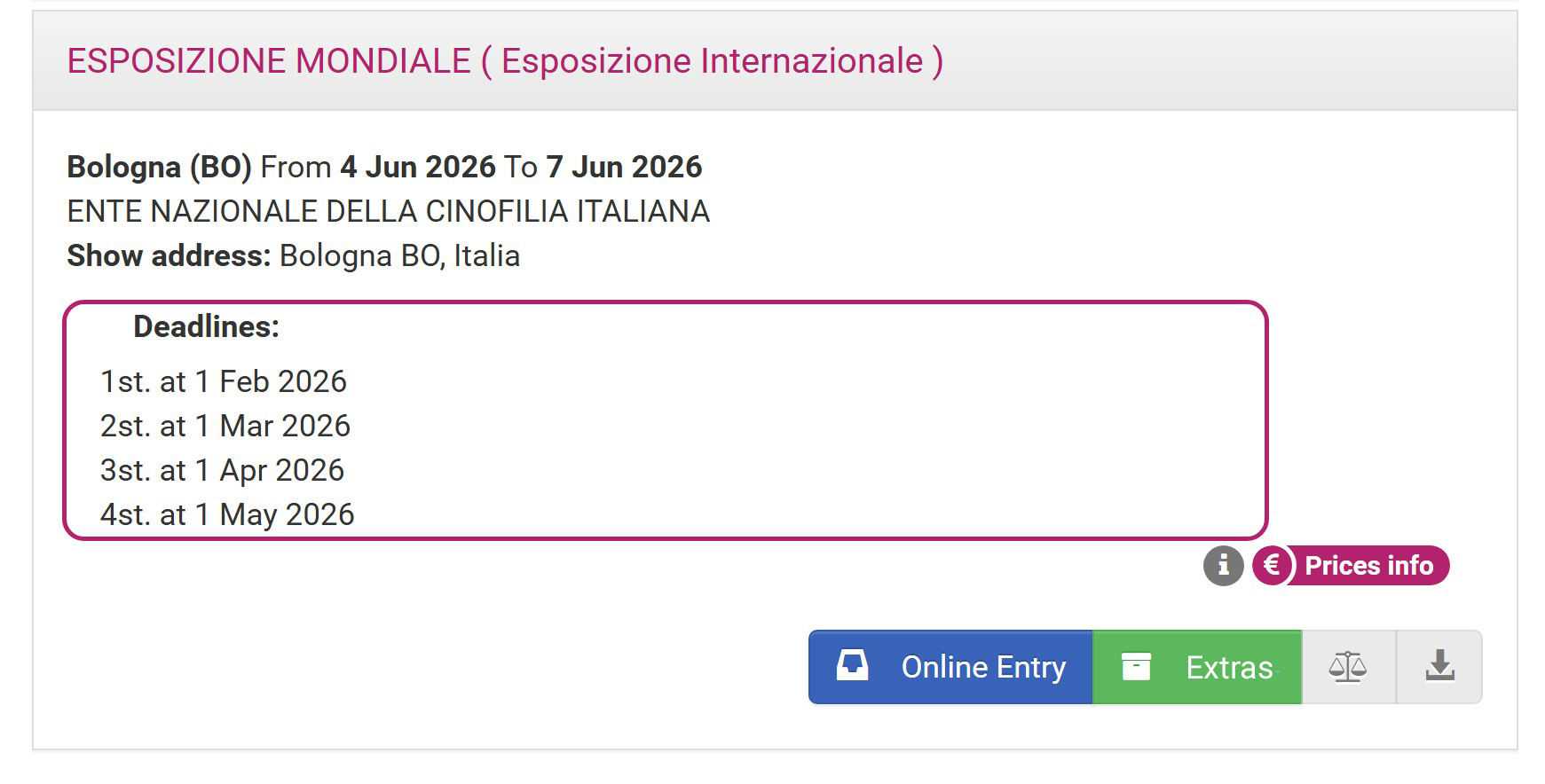
EXTRAS refer to items that can be purchased in addition to simply registering a dog for a show.
Add that the function can be used during registration or even separately by clicking directly on EXTRAS. In this case, the user will be redirected directly to the extras page.
Dog Pass
vaild only for WDS2026
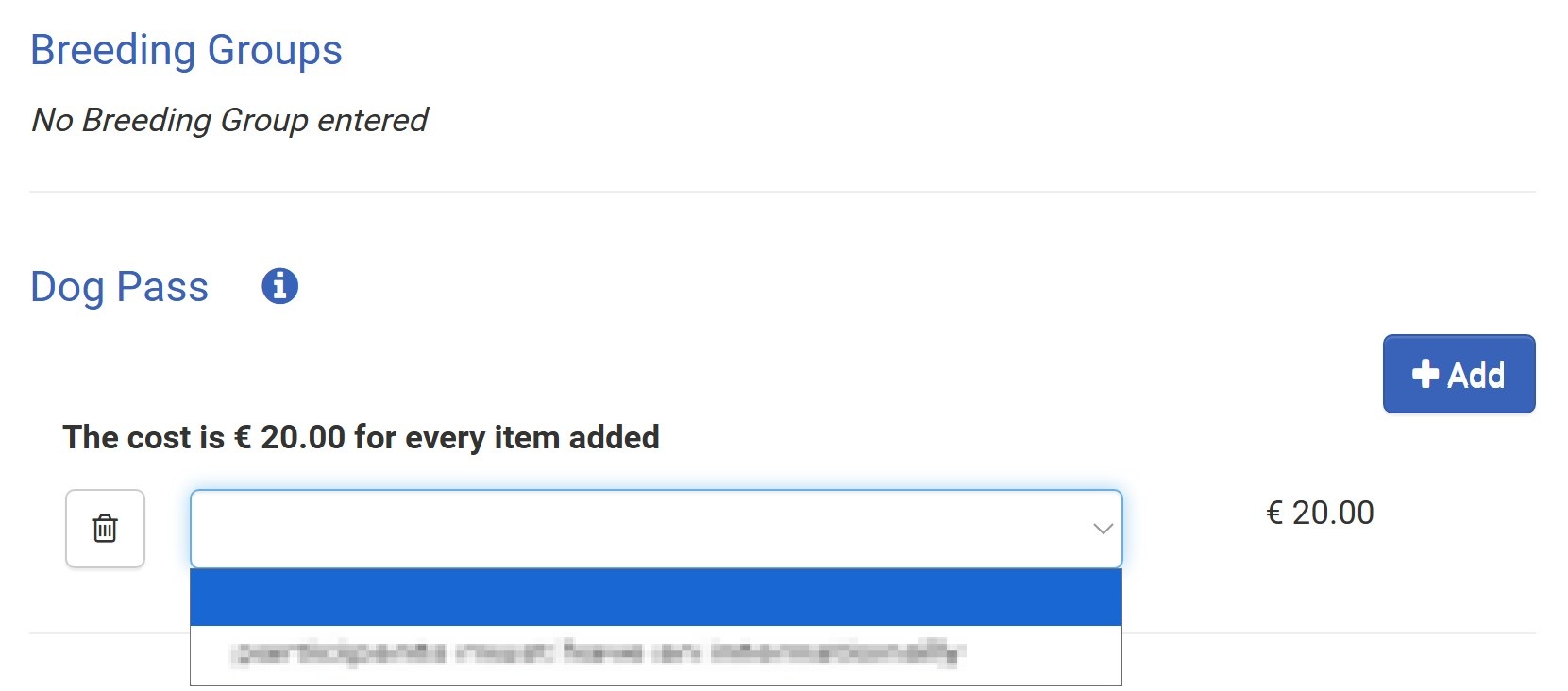
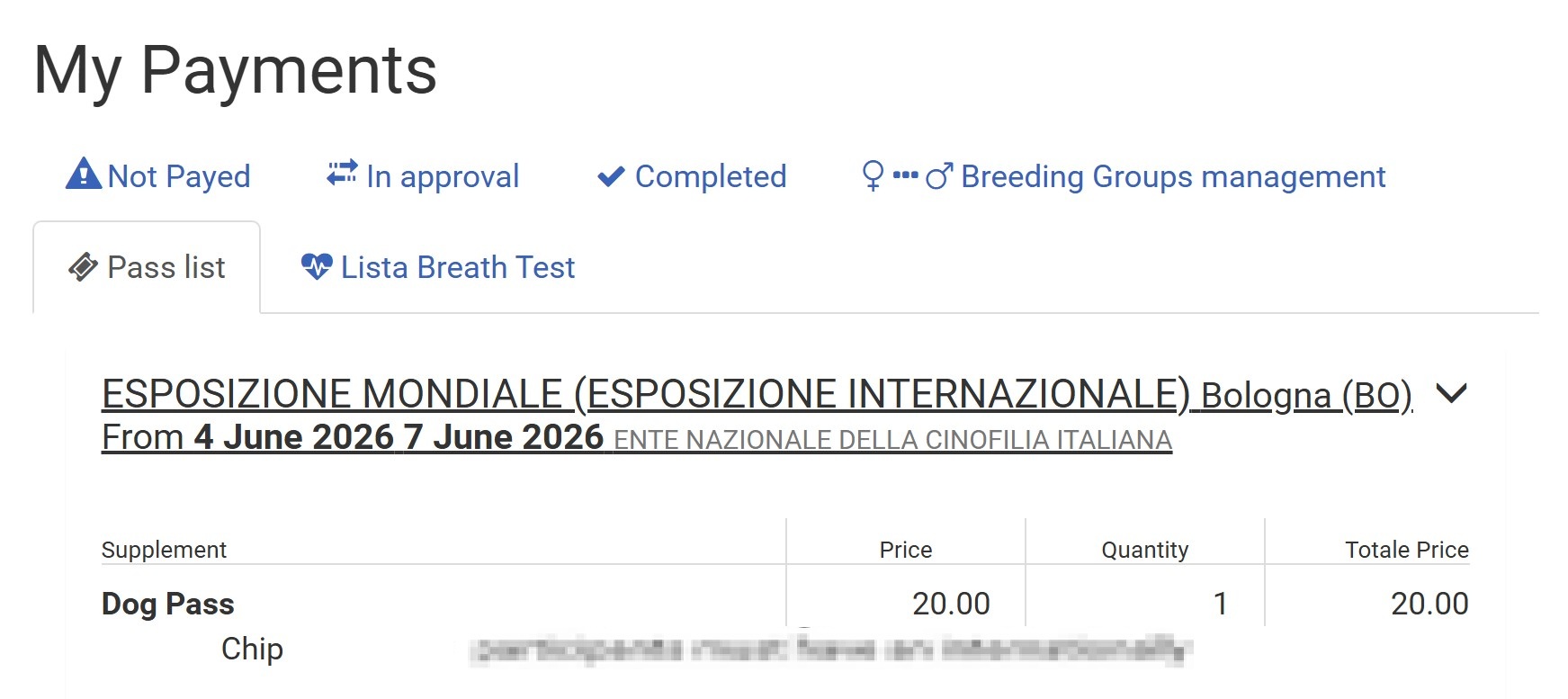
- Users are advised to pay attention to this page, which will only be displayed at the end of the registrations for each dog if extra items are available.
- The user must purchase the pass if they wish to enter the exhibition halls with their dogs on days other than the day the dogs are being shown. The purchase is valid for all days and must be made for each dog.
Dog Pass
Only for registrations in the INTERMEDIATE, OPEN and CHAMPIONS classes.
vaild only for WDS2026
- Users are advised to pay attention to this page, which will only be displayed at the end of the registrations for each dog if extra items are available.
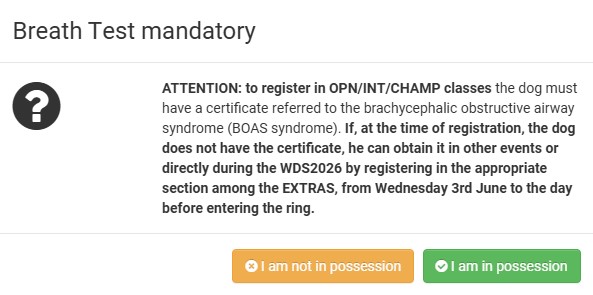
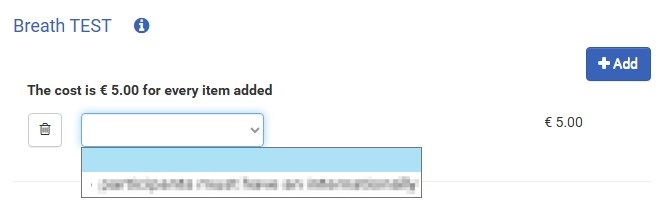
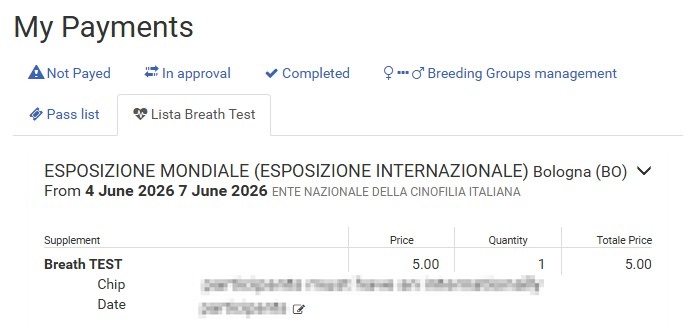
- For the Pug, French Bulldog, and English Bulldog (OPN, CH, INT classes), presenting a certificate confirming that the dog has passed the breath test is mandatory. The certificate is valid whether it refers to the ENCI test or the Cambridge (BOAS) test. Presenting the certificate is required for all three shows of WDS2026.
- For owners without a certificate, the test will be available during the event days. It is important to register on the days preceding the first exhibition commitment for the breed.
For example in relation to WDS2026:
- June 3: English Bulldog, whose first judgment is June 4.
- 3, 4 and 5 of June: For the breeds of the 9° group, whose first judgment is on 6 June.
- Owners who do not yet have the certificate at the time of WDS2026 registration but wish to obtain it at other events may confirm possession of the certificate even after registering their dogs, but always before the registration deadline.
Substitution
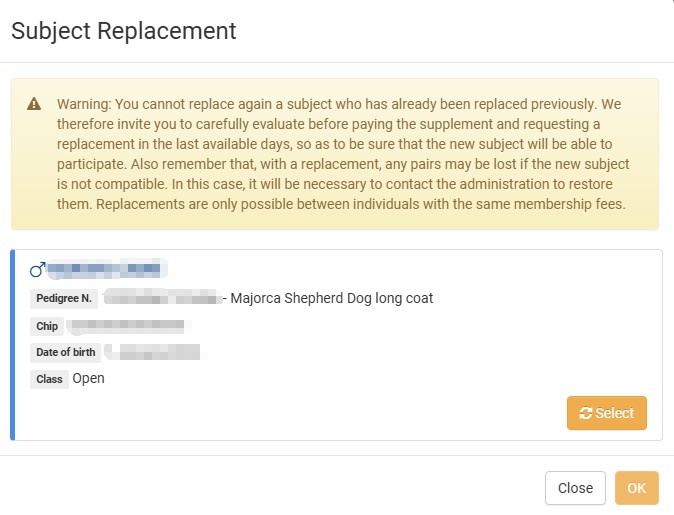
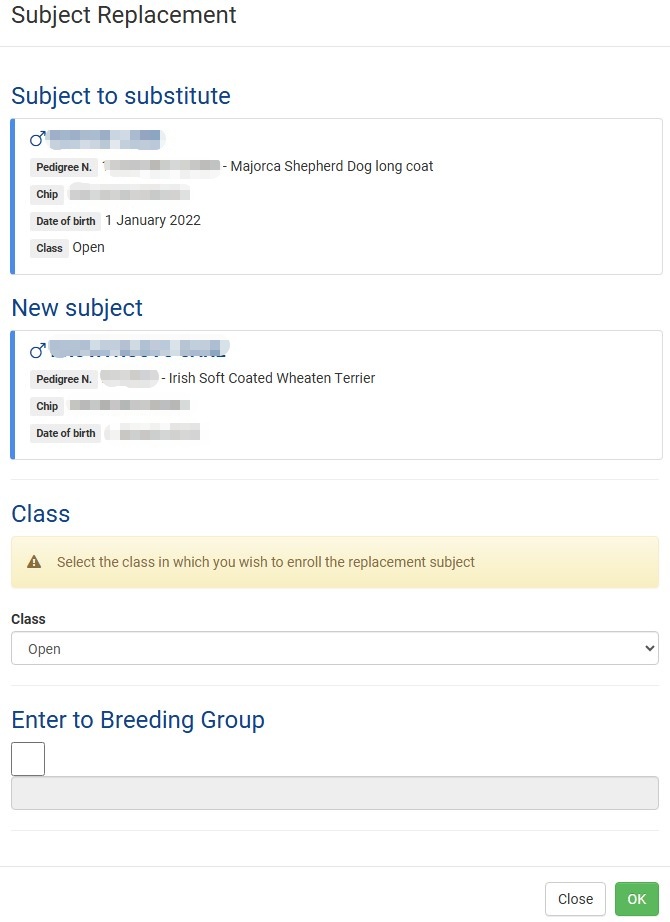
at any time a subject can be replaced with another already inserted in MY DOGS. There are, however, some rules to follow:
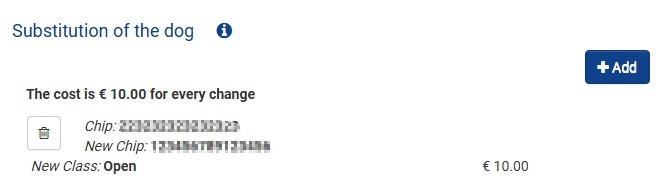
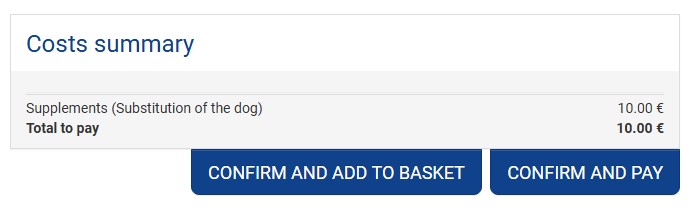
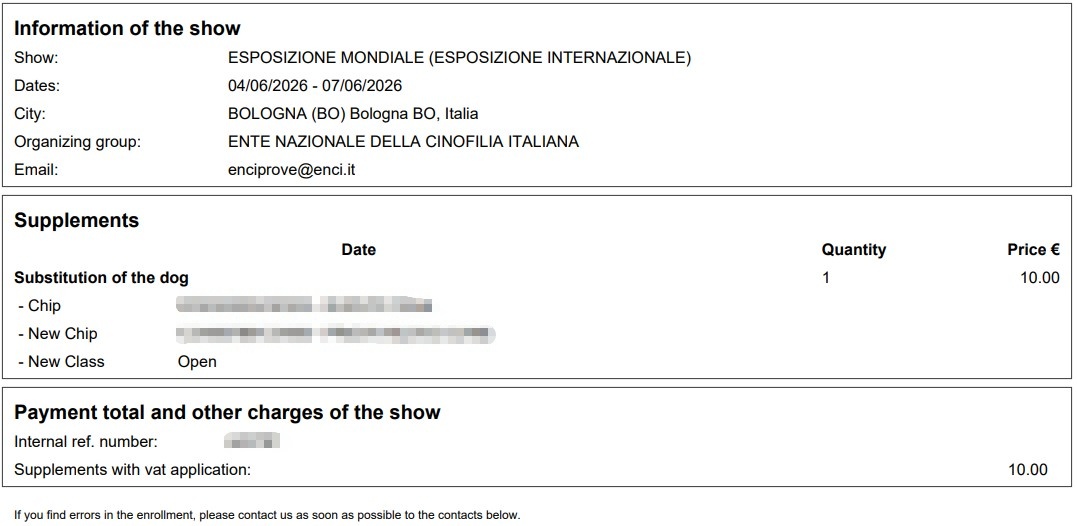
- The REPLACEMENT supplement must be purchased in the appropriate section
- Dogs can be replaced at the same registration fee
- Dogs who are part of an already confirmed BREEDING GROUP cannot be replaced
- The new dog, however, could be included in the Breeding Group
- However, a dog that is part of a couple can be replaced if it meets the prerequisites.
- There are no date limits for replacement other than closing registrations.
- The new dog who has entered as a replacement cannot, in turn, be replaced.
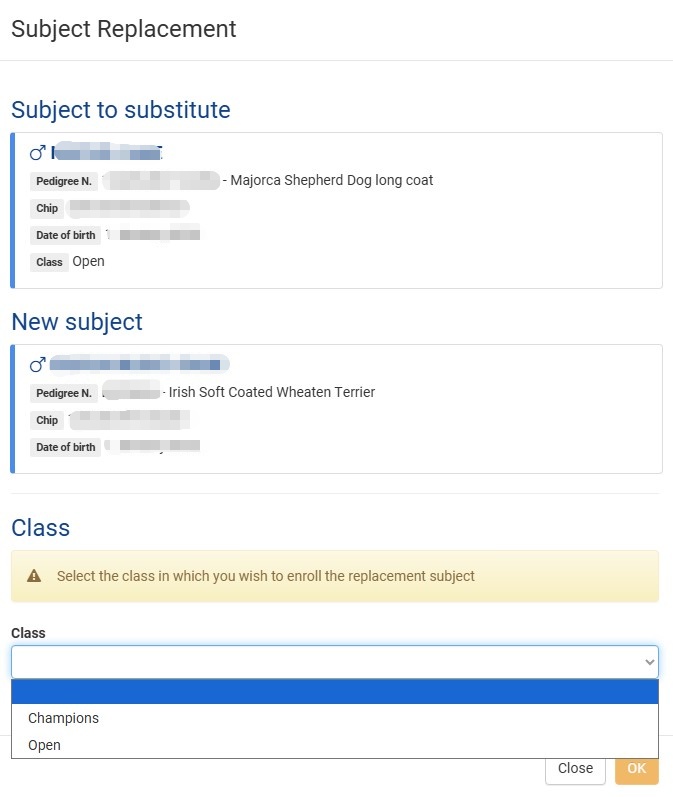
- For the new dog, inserted as a replacement, the expected classes based on age will be available.

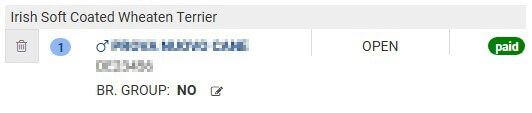
Class change
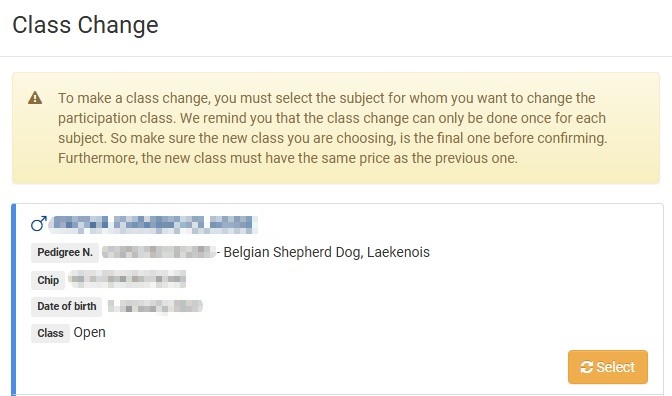
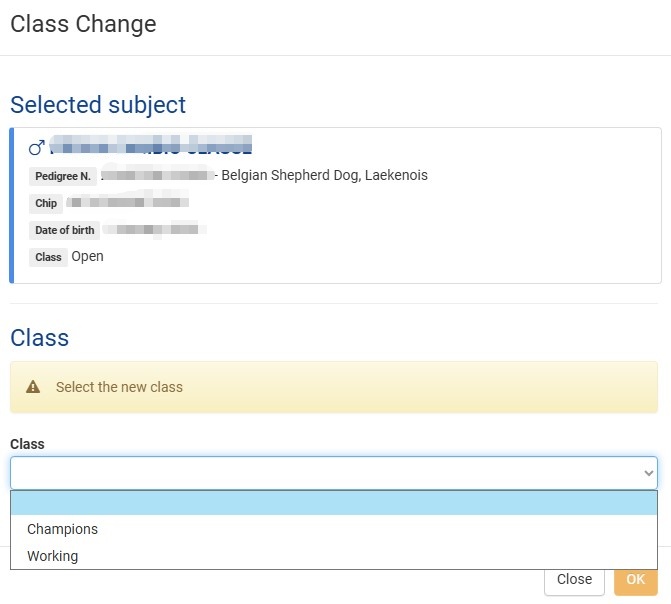
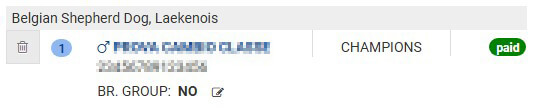
at any time the CLASS of registration for a subject may be changed:
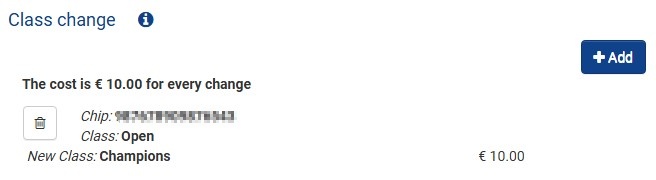
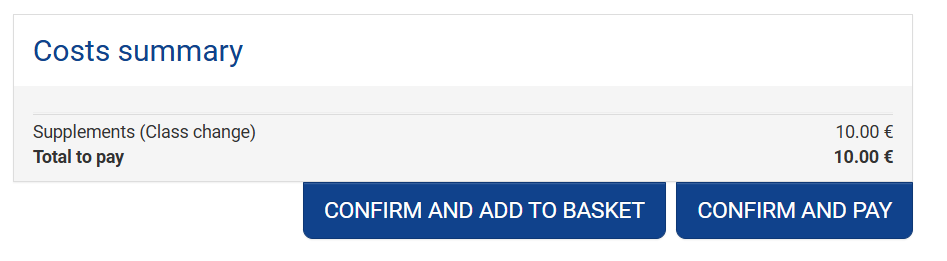
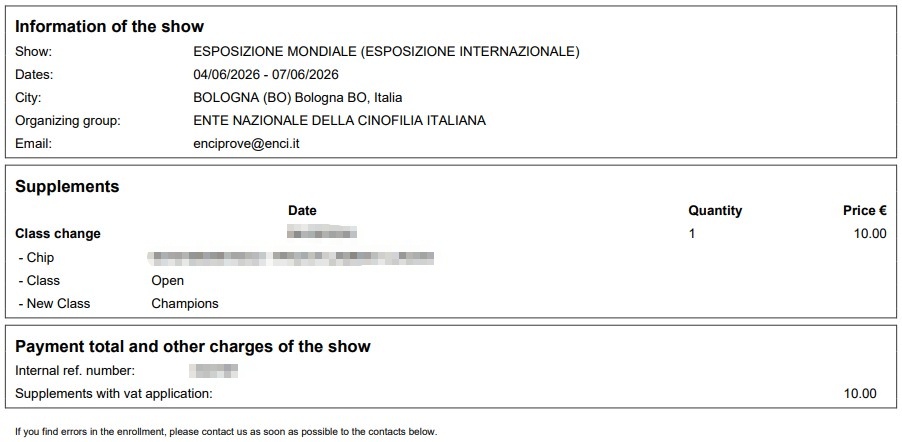
- The CLASS CHANGE supplement must be purchased in the appropriate section
- A dog may be replaced at the same Registration FEE
- For each subject only 1 CLASS CHANGE can be requested
- There are no date limits for replacement other than the closing of registrations.
- For the subject the expected classes based on age will be available.

JH registration
Insertion of J.H. into the portal show.enci.it
One the companion has been added, they can enter the J.H.’s information.
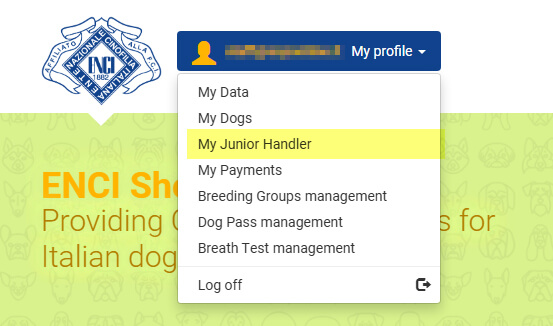
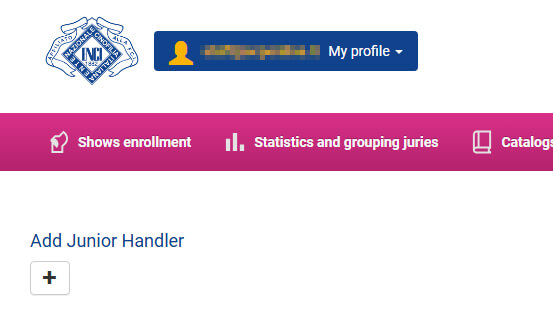
Click the My profile box and then select the My Junior handler menu item.
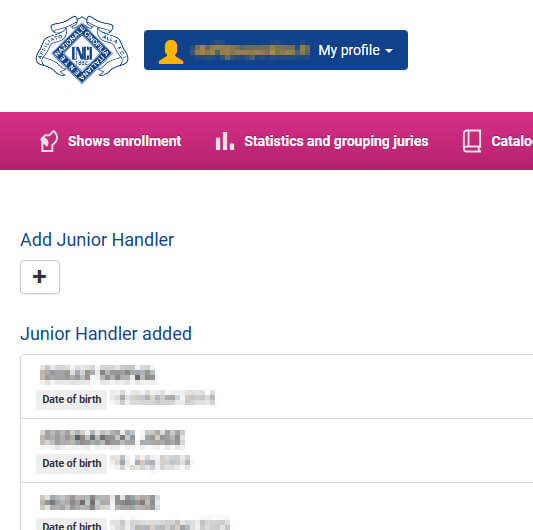
Then click Add Junior Handler to add a new profile.
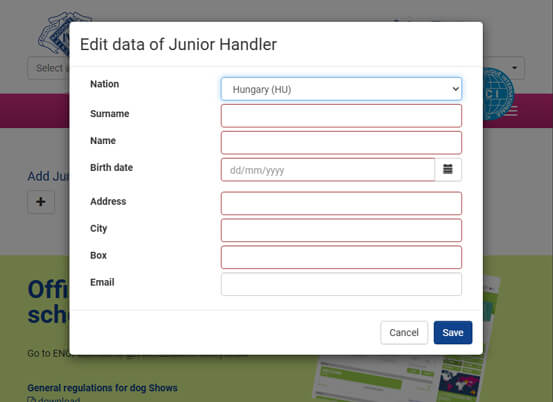
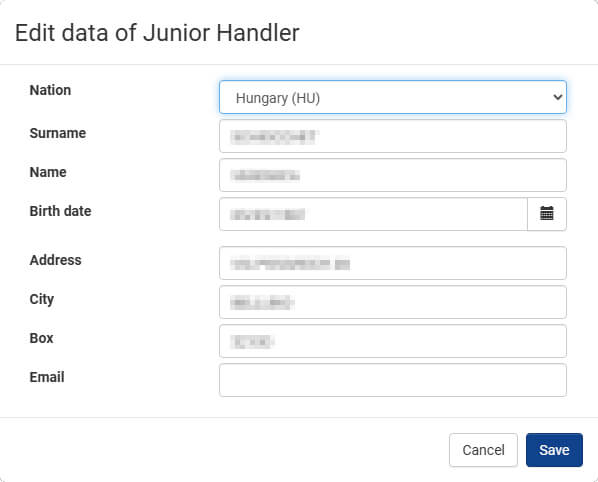
Then enter the J.H.’s information.
If Italian nationality is selected, the J.H.’s tax code will also be required.
Registration for events
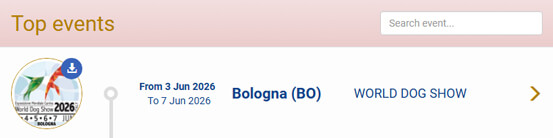
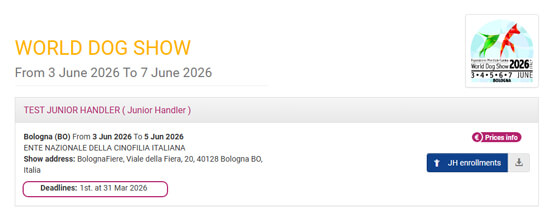
Select the event you’re interested in.
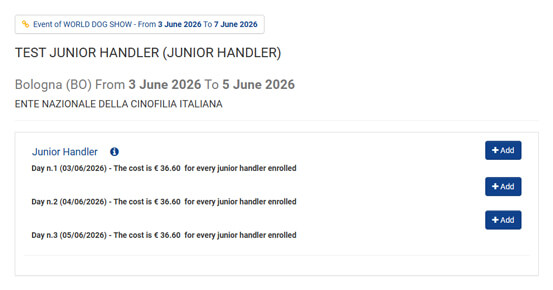
Select the date of the event you’d like to register your J.H. for.
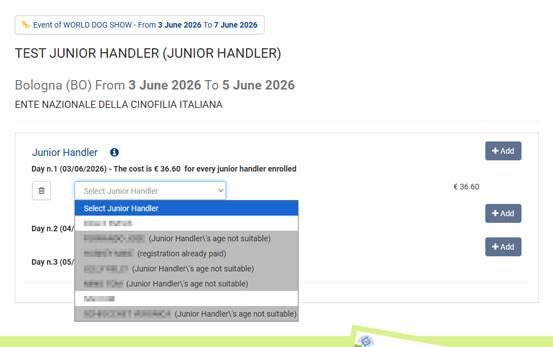
Select the J.H. you’d like to register for.
Please note that for the WDS2026 event, registration will only be available in the 10-17 age category.
One you have chosen the J.H. and chosen the category (for the WDS2026, we repeat, only the 10 to 17 age category is present) click on:
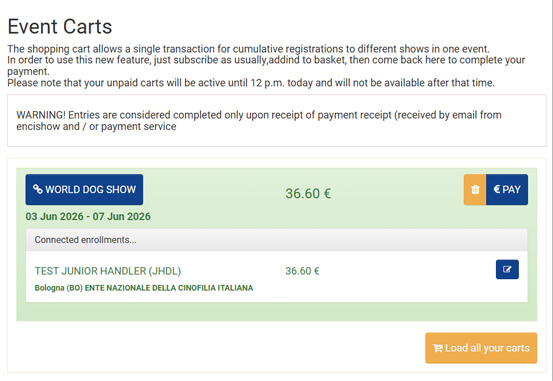
- ADD TO CART if you want to add another J.H. or register dogs for the event;
- CONFIRM AND PAY if you want to complete registration and pay.
If you select the CONFIRM AND PAY option, follow the instructions on the various screen.
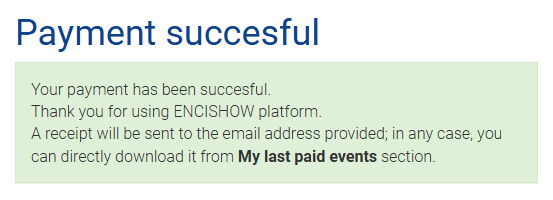
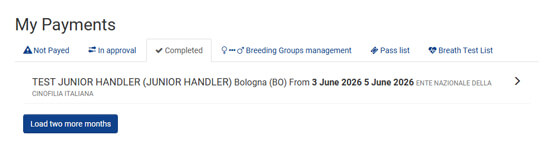
One registration is complete, you can download the receipt in the appropriate section.
Click My Payments in the menu.
To download the receipt, click Download receipt.
From the same menu, you can directly download the catalog number, which will also be sent to you via email.